



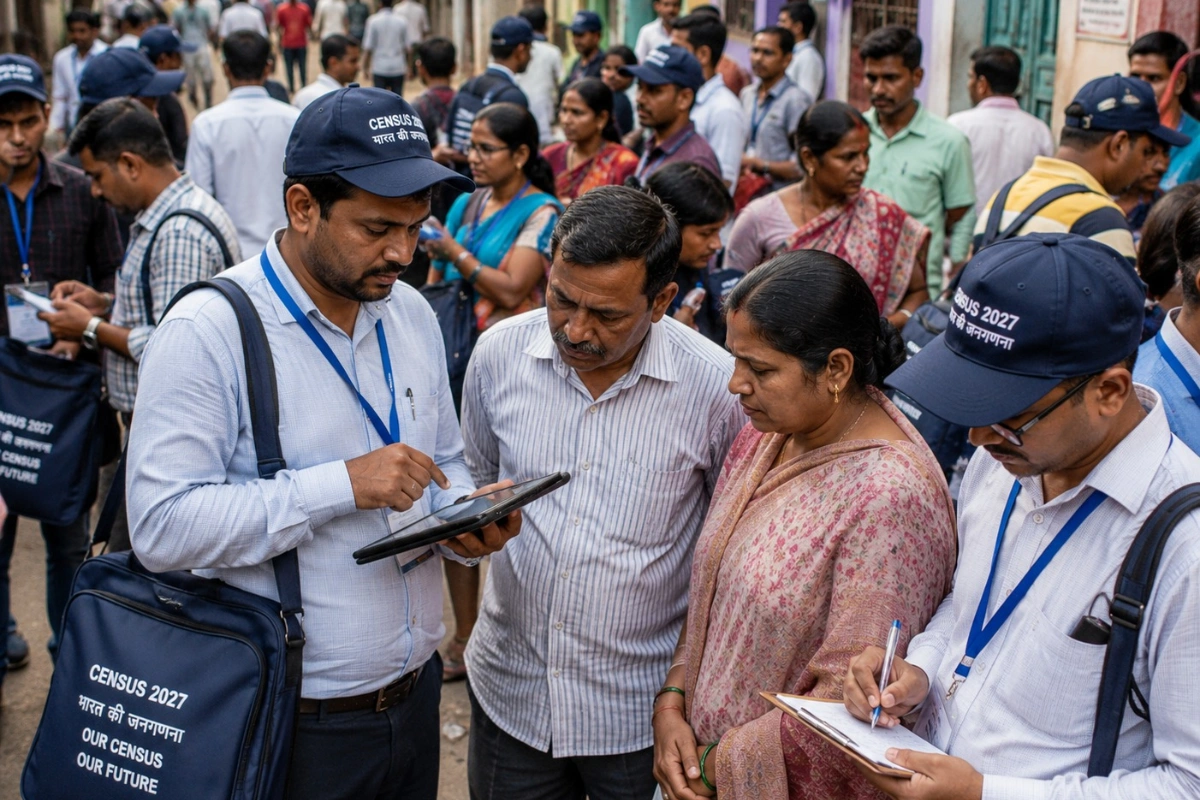
GUWAHATI: Residents of Assam will be able to submit their household information online through the Self-Enumeration (SE) facility for Census 2027 from August 2 to August 16.
ALSO READ: Assam Announces Free Duplicate Board Documents for Students in Four Flood-Hit Districts
The Self-Enumeration portal will allow residents to provide their household details online before the House-to-House Enumeration begins. The process can be completed from home through the official portal at
The Self-Enumeration process is expected to take approximately 15–20 minutes. After successful submission, a unique Self-Enumeration ID (SE ID) will be generated. Residents are advised to keep the ID safe for future reference.
How to Complete Self-Enumeration
Step 1: Access and Initial Login
> Visit the official Self-Enumeration portal.
> Select Assam from the State/UT dropdown.
> Enter the CAPTCHA to proceed.
> A laptop or desktop is recommended for better visibility while locating the household on the digital map.
Step 2: Register Your Household
> Enter the name of the Head of Household. The name cannot be changed once registered.
> Enter the mobile number of any one household member. Only one mobile number can be used for each household, and the same number cannot be used for another household.
> Providing an email ID is optional and can be used to receive the Self-Enumeration ID.
Step 3: Select Language and Verify OTP
> Select the preferred language. The selected language cannot be changed later.
> Enter the OTP sent to the registered mobile number.
> Ensure that the phone has a reliable network connection to receive the OTP.
Step 4: Enter Location Details
> Select the district and enter the PIN code, if available.
> Enter the name of the village/town/locality and click Search.
Step 5: Locate Your Residence on the Map
> An interactive map will show a red marker.
> Drag the marker to accurately identify the location of the residential building.
> Click “Save & Next” and confirm the message to validate the location.


